BeInContact and Microsoft Teams integration: enterprise collaboration architecture
| October 3, 2021
Deploying a Microsoft Teams Contact Centre integration via the BeInContact CCaaS platform aligns customer interaction management with internal corporate collaboration within a unified operational framework.
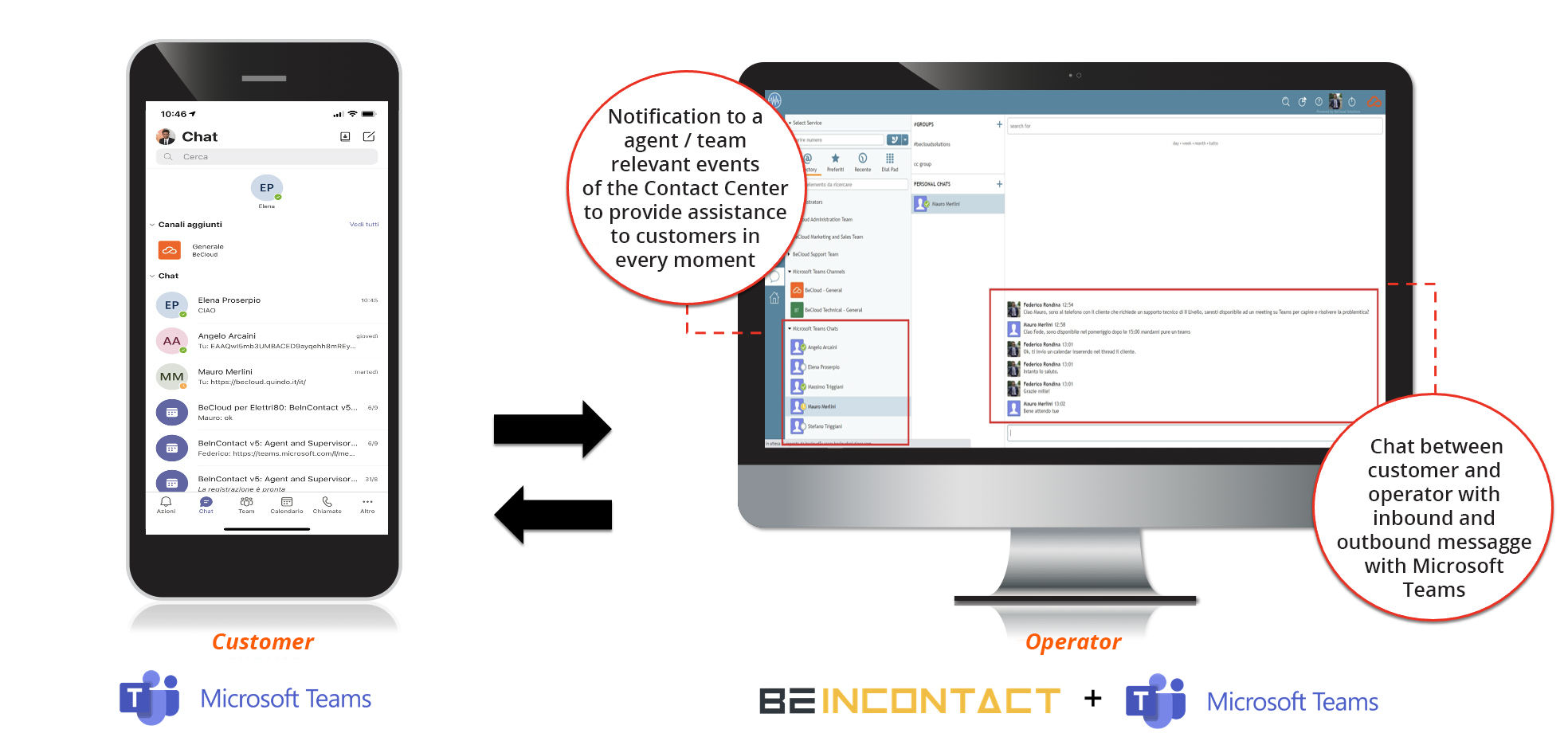
Through native API-based connectivity, this solution enables Contact Centre agents to engage with Back-Office specialists in real time, accelerating query resolution while maintaining a single, streamlined working interface.
Architectural features of Microsoft Teams Contact Centre integration
The convergence between BeInContact and the Microsoft Teams infrastructure operates at both the data and interface levels, ensuring operational continuity across enterprise departments:
-
Real-time presence synchronisation: Teams user presence is mapped directly into the agent desktop interface. Agents can instantly verify the availability of managers, technicians, or subject matter experts before initiating contact;
-
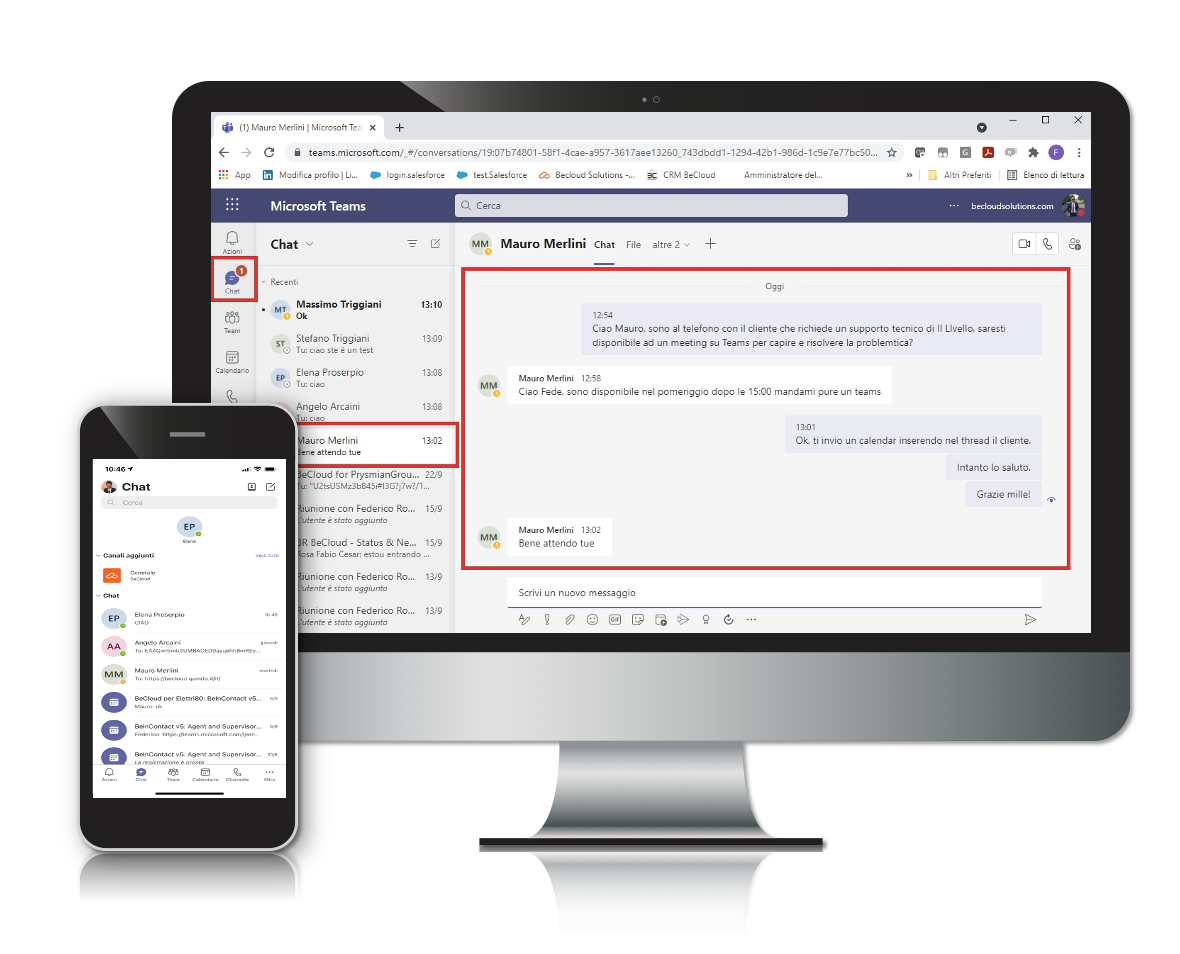
Unified messaging hub: inbound and outbound messaging threads from Microsoft Teams accounts are synchronised with the BeInContact Chat Center. Agents handle external customer interactions and internal colleague chats within a single view;
-
Centralised group and channel management: supervisors and agents can initiate group chats or consult dedicated Teams channels to involve non-Contact Centre personnel in resolving complex cases.
Operational workflow and enterprise use cases
This integrated architecture addresses specific operational efficiency requirements for Customer Care and Technical Helpdesk environments:
- Direct escalation and specialist support (FCR): while handling a customer query, an agent identifies the relevant Back-Office expert based on their real-time presence status and engages them directly to deliver immediate answers, boosting First Contact Resolution;
- Omnichannel communication continuity: inbound interaction routing across voice, email, WhatsApp, and web chat remains orchestrated by BeInContact, while internal collaboration leverages the company’s existing Microsoft 365 ecosystem;
- Optimised distributed workforce management: front-Line agents and distributed staff operate within the same information workflow, reducing handoff delays and improving query traceability.
Technical requirements for Microsoft Teams Contact Centre integration
To deploy the integration between BeInContact and Microsoft Teams, IT departments should review the following configuration parameters:
-
API connectivity and Microsoft 365 licensing: synchronisation requires user provisioning within the corporate Teams tenant alongside appropriate licensing for collaboration services;
-
Data security and governance: information exchange covering presence and messaging adheres to enterprise encryption protocols and data compliance standards;
-
Agent Desktop configuration: enabling the integration module allows for customising chat panels and user views directly within the BeInContact operational desktop.